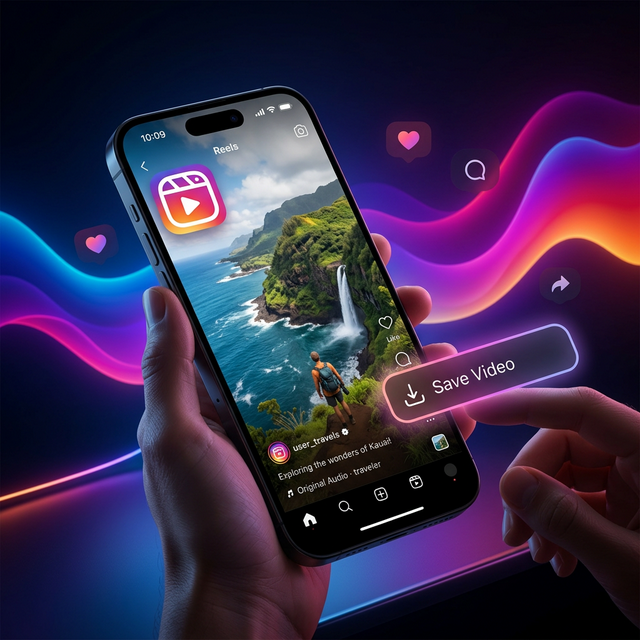
Instagram Reels have exploded as the absolute best place to find short-form humor, aesthetically pleasing travel montages, and quick workout routines. Naturally, you might want to save a few of these videos directly to your iPhone's camera roll to share in group chats without sending a link, or to watch offline while traveling.
Unfortunately, Meta hasn't made downloading straightforward. Unlike TikTok, there is rarely a universal "Save" button available. Most times, you have to resort to a clumsy screen recording, which ruins the quality with UI clutter.
Why is it so hard to save Reels?
Instagram wants to keep users inside their own ecosystem. When you send someone a link, that person is forced to open the app (and thus, see more ads) to watch the video. Because of this, downloading is completely disabled natively for 99% of creator content.
The Best Solution: Web Downloaders
The smartest hack for iPhone users is completely skipping the App Store and using a cloud downloader through Safari.
Step 1: Grab the URL
- Open Instagram and watch the Reel you want to save.
- Tap the Paper Airplane (Share) icon.
- Tap Copy Link at the bottom.
Step 2: Paste and Process
- Open the Safari browser on your iPhone.
- Go to ProSaveVideo.com and navigate to the Instagram tool.
- Paste the copied URL into the big white box, and hit Download.
Step 3: Save to Camera Roll
- Our servers will serve up a direct MP4 file. Tap standard "Download".
- A blue arrow circle will appear in Safari's address bar. Tap it, then tap Downloads.
- Select the video, tap the iOS Share box in the bottom left, and hit Save Video. That's it! It's now safely in your Photos app.
Is doing this legal?
Yes, downloading public content for personal, private use (like watching on a flight or sharing in a private text with a friend) usually falls safely under fair use. However, you should never re-upload someone else's content as your own without permission or proper credit.
---
Need to download an Instagram Reel right now? Try parsing a link on our homepage.